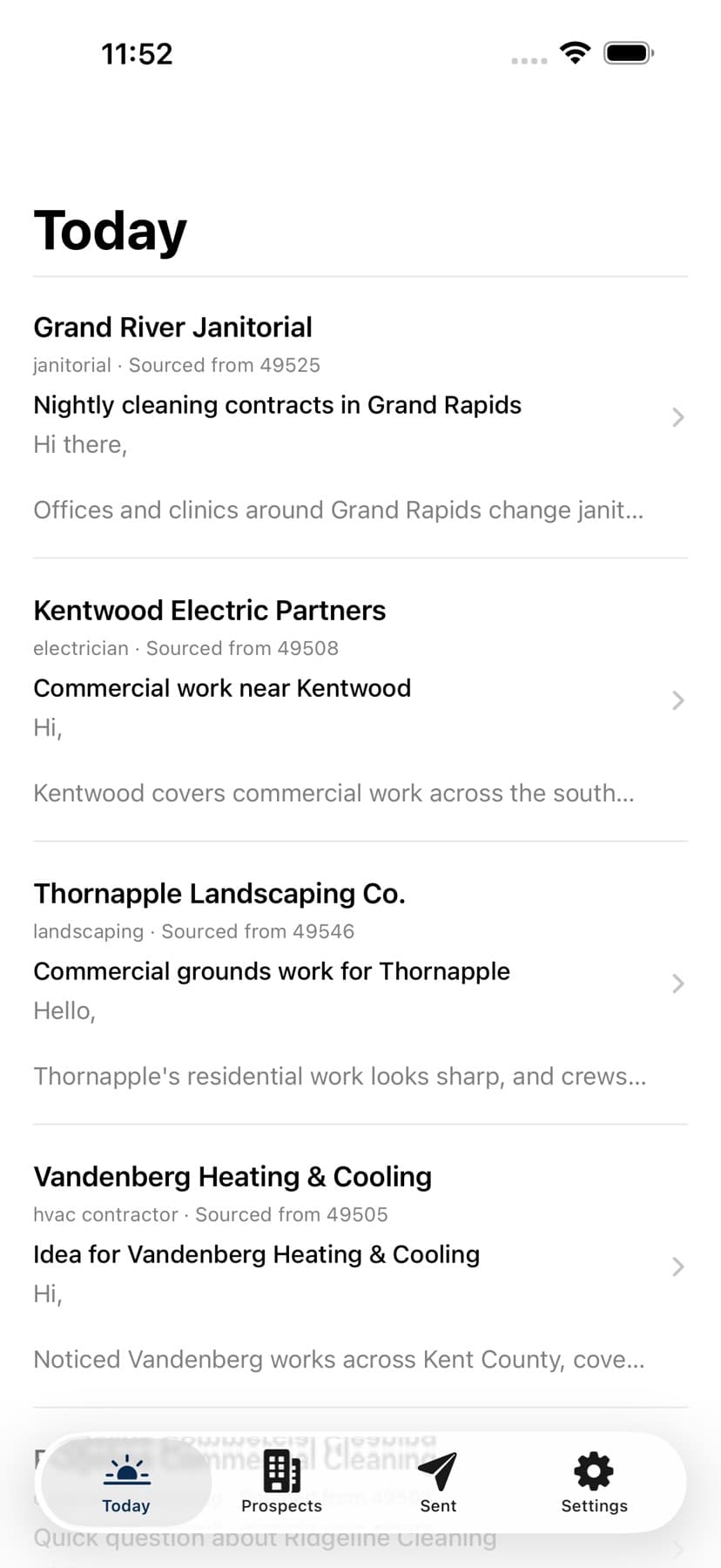
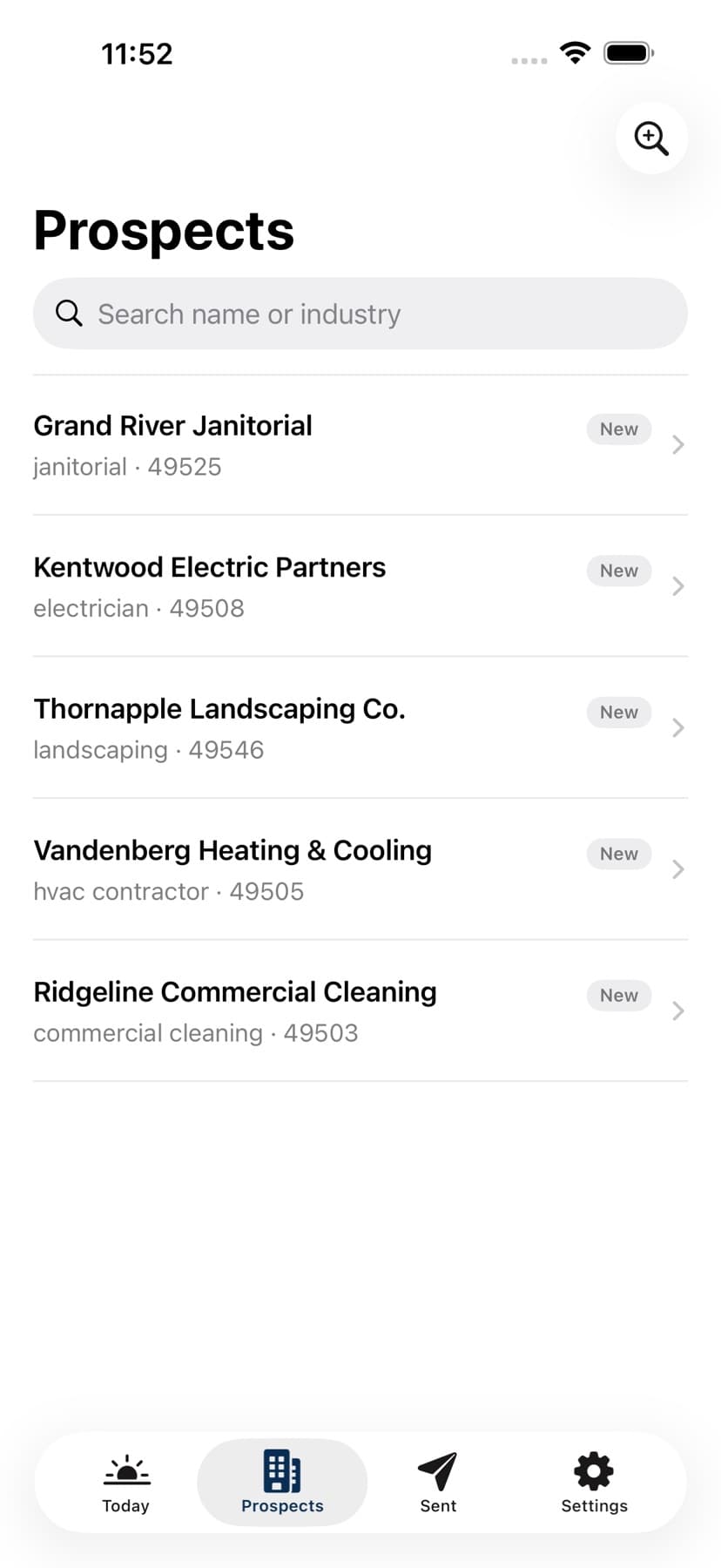
Reach finds businesses in the areas you choose, shows available contact details, and prepares an email draft when an address is found. You decide who to contact.
See the list, review a draft, and choose the next action from one place.
Actual screens from the published Reach iPhone app · Sample account dataView on the App Store ↗
A simpler morning
From a wide search to a short list of next steps.
01
Choose where to look.
Tell Reach the kinds of businesses you serve and the ZIP codes you cover. Your list stays tied to the area you would actually work.
02
Open your morning list.
Reach sources prospects, collects available contact details, and prepares a draft when it finds an email address. Review the results and choose who to contact.
03
Make the call.
Read the details, edit a draft, send when your account is configured for it, or open it in your own email. Phone-only prospects are there to call.
What arrives
A name, a way to reach them, and a place to start.
Some prospects have an email address and a draft you can review. Others have a phone number and are better handled with a call. Reach keeps both paths visible so you can use the contact information that is actually available.
“This is exactly what I needed to find leads. It works so well, and exactly how I needed it to.”
Judah Bruce · Great Lakes Displays
Pricing
Pick a list size you can put to work.
Each plan sets a daily ceiling and a monthly allowance. You choose a daily target within your plan; the ZIP codes you cover and the available businesses determine the list you actually receive.
Starter
Start here
$49/ month
Up to 50 prospects in a day
1,000 per month · For the owner who wants a manageable daily list.
Growth
$99/ month
Up to 120 prospects in a day
3,000 per month · For when one person is sending outreach most days.
Scale
$199/ month
Up to 300 prospects in a day
8,000 per month · For a team working outreach as a channel.
A draft is prepared when an email address is available; a phone-only prospect is for calling. Coverage can run low in a narrow area, so these limits are ceilings rather than guaranteed daily quantities. The 14-day trial starts on Starter without a card.
Your ZIP codes and target industries shape the available pool. Reach warns when coverage is running low so you can add another ZIP or adjust your target industries. Plan limits are ceilings, not a promise that every area can fill them.
Does every prospect have an email draft?
Reach prepares an email draft when it finds an address. If a prospect has a phone number but no email, you can call instead. Contact information varies by business.
Can Reach send the emails for me?
When sending is configured for your account, you can review and send approved drafts through Reach. You can also open a draft in your own email app or copy it and send it yourself.
Where do replies go?
Replies to messages sent through Reach can appear in Reach for triage. If you send from your own email app, replies stay in that inbox.
Can I cancel?
Yes. You can cancel from Settings without a call. Paid access lasts through the end of your current billing period.
See who is worth contacting next.
Set your service area, review the prospects Reach finds, and decide which conversations to start.